

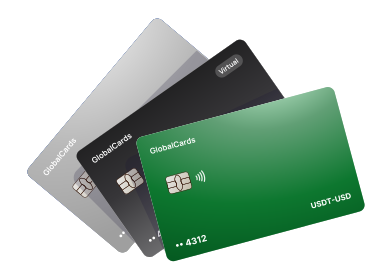
Crypto card + secure wallet
Spend Crypto.
Keep Assets Secure.
Crypto cards made for everyday payments.
A secure mobile wallet for assets you plan to hold.
Designed for popular mobile wallets


Availability depends on card program, device and region.
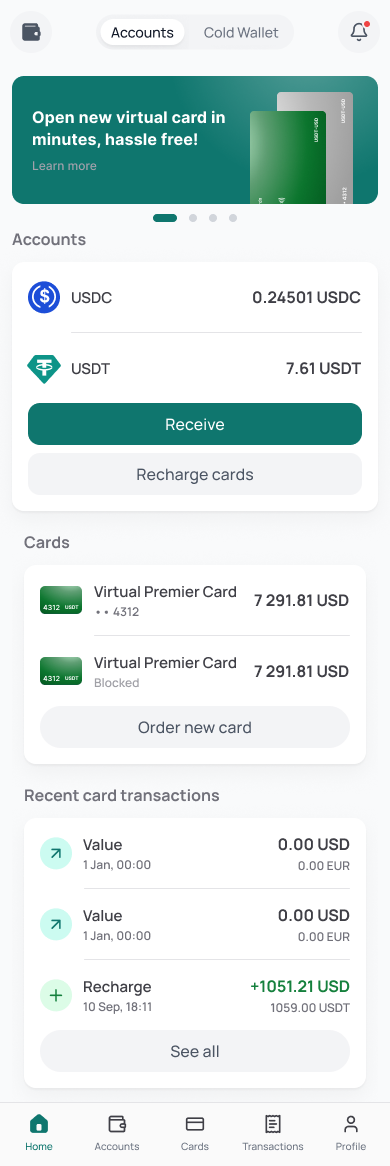
Control stays with you
Wallet authority and card settings remain close at hand.
Ready for daily spending
Move from supported assets to familiar card payments.
One connected view
Cards, wallet assets and recent activity in one mobile flow.
Card access meets secure storage
Two ways to use your assets.
One mobile experience.
Global payment infrastructure
A card platform built around how you spend.
Bring supported crypto funding, flexible card access and everyday payment controls together in one account.
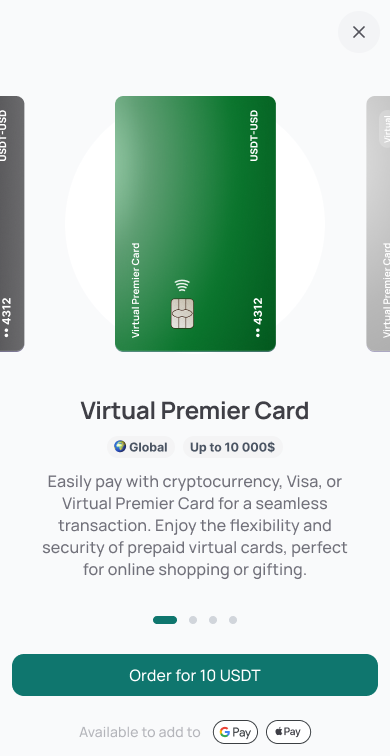
Choose from the card options available to your account.
Review the card type, visible status and applicable program details inside the product before continuing.
Illustrative interface. Availability, pricing and limits are program-dependent.Spend in a currency that fits.
Choose from the settlement currencies supported by your card program and keep conversion details visible before you pay.
Virtual or physical — your choice.
Select the available format that matches your routine. Program-specific limits, conditions and rewards are shown before issuance.
Connected to established networks.
Available card programs may use networks such as Visa or Mastercard. Acceptance depends on the card issued for your account.
Built for modern payment flows.
Manage online purchases, recurring services, international use and card activity from one focused product experience.
A clear path to payment
Start in a few clear steps.
Create your account, choose an available card setup and move from supported assets to everyday payments.
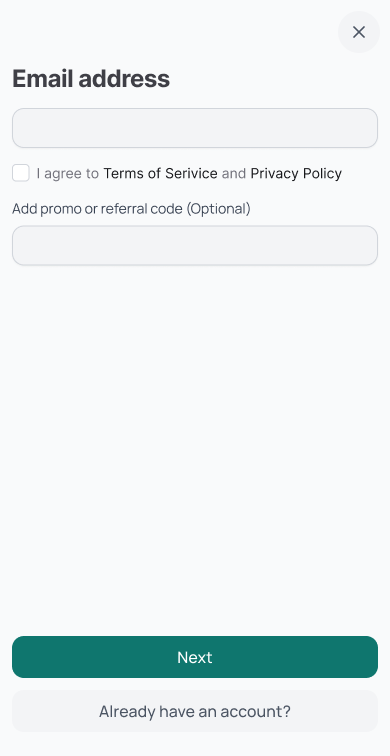
01 Account
Create and verify your account
Register through the web or mobile experience, then complete the checks required for your location and access level.
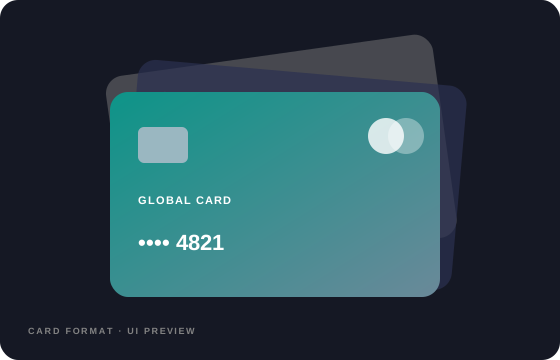
02 Card setup
Choose the card setup that fits
Review available currencies, virtual or physical formats, limits and program conditions before you decide.
03 Funding
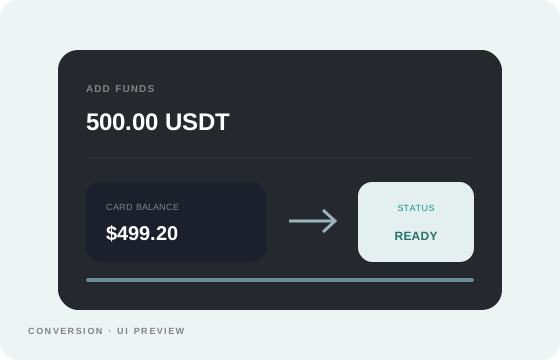
Add funds and start spending
Top up with a supported asset, review the conversion details and use the available card balance for online or in-person payments.
04 Internal transfer
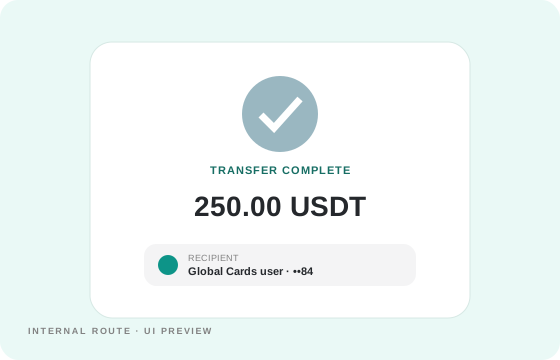
Move funds to another user
Select a recipient, review the amount, limits and any applicable charge, then confirm the internal transfer.
Wallet security, built in
Hold assets with control close at hand.
Device-level key authority, protected access and a clear multi-asset view — brought together inside the mobile wallet experience.
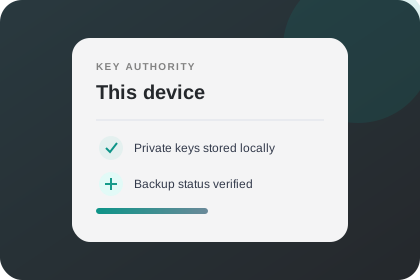
Private keys stay close
Key control remains on your device, with clear backup status and no need to expose credentials during everyday wallet use.
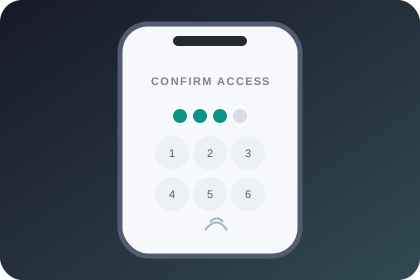
Protected at every entry point
PIN and biometric access add practical layers of protection before anyone can open the wallet or approve an action.
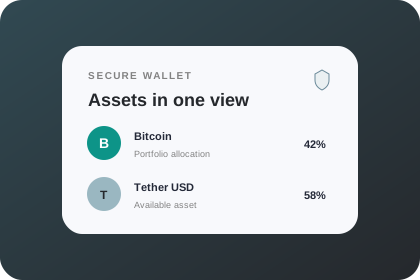
One secure view for supported assets
Review balances and supported asset positions in a single interface designed to keep important wallet activity easy to follow.
Made for real payment moments
One card experience. More ways to use it.
From everyday checkouts to travel and team purchases, use the card in the situations that match your program and location.
01 Online
Pay across online services
Use an available card for familiar checkout flows, subscriptions and digital services where the issued card is accepted.
02 Recurring
Keep subscriptions organised
Separate recurring payments from other activity and review them in the same connected card experience.
03 Travel
Spend while you travel
Use supported card programs abroad wherever the underlying network is accepted, subject to local availability and rates.
04 Teams
Simplify business spending
Give business purchases a clearer structure with separate cards, visible activity and program-level controls where available.